

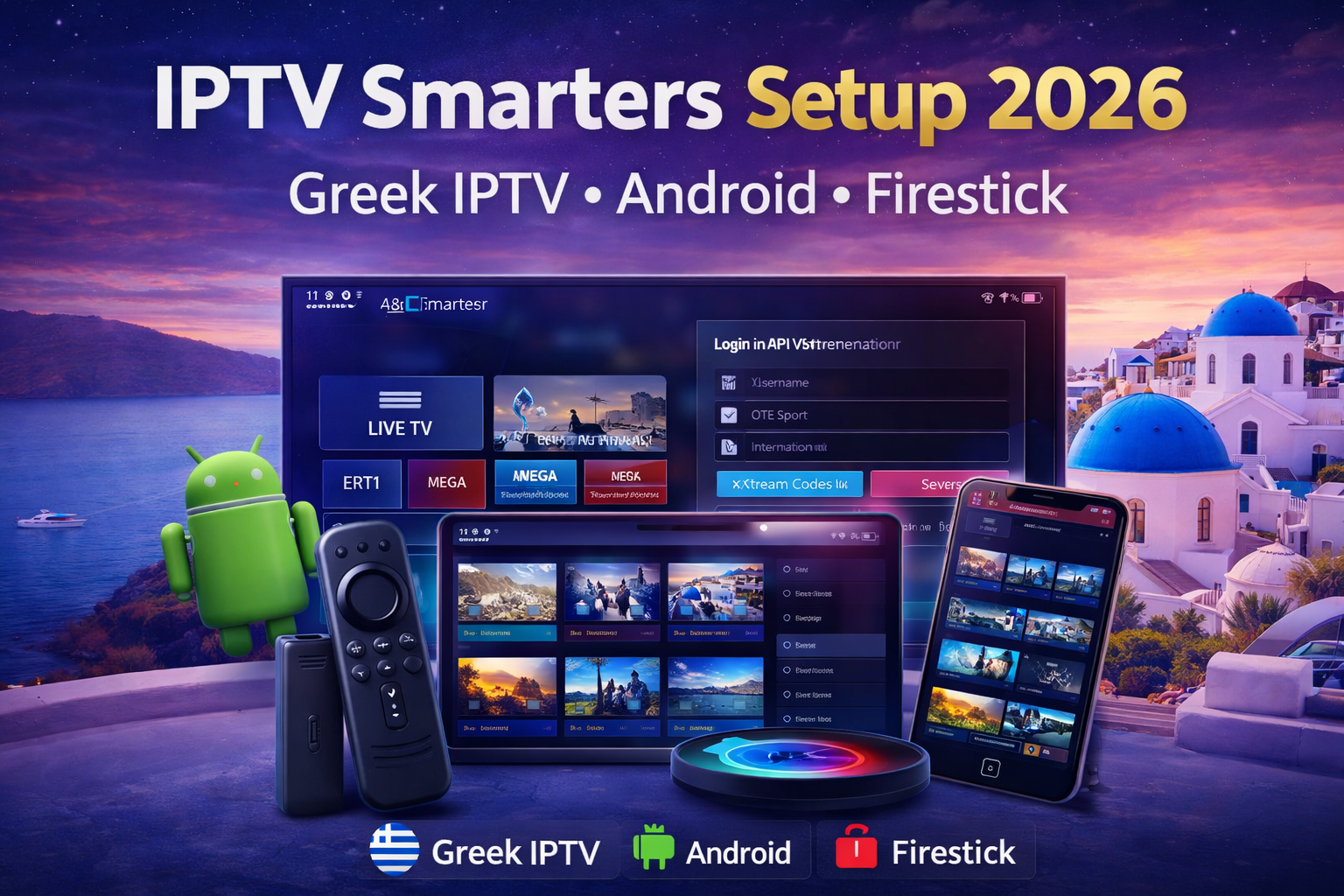
IPTV Smarters is a popular IPTV player used to load live TV and VOD with provider login details. In this guide you’ll learn how to set it up for Greek IPTV, avoid common errors, and choose the best setup in 2026.
What is IPTV Smarters and what does it actually do?
IPTV Smarters is a player app (not a TV provider). It doesn’t “sell channels”. Instead, it lets you log in with details given by an IPTV service (for example Xtream Codes API), then it organizes live channels, VOD, and categories inside a single interface.
If your goal is to watch Greek channels on Android, Firestick, or Smart TV, a well-configured player + a stable IPTV line is what creates a smooth experience in 2026.
IPTV Smarters setup for Greek IPTV (step-by-step)
To connect the app to a Greek IPTV service, you only need the correct username, password, and server URL. Follow these steps:
- Install the app from the official store on your device (Android TV, mobile, or Firestick).
- Open it and choose Login with Xtream Codes API.
- Paste your server URL and enter your username + password.
- Save, then wait for channels and VOD to load fully.
- Test your favorite Greek channels at prime time (evening) to check stability.
Best settings for Android & Firestick (smooth playback)
The Android and Firestick versions can run very smoothly if you apply a few practical tweaks:
- Prefer Ethernet (or strong 5GHz Wi-Fi) to reduce buffering.
- Close background apps to free RAM (especially on older Firestick models).
- Restart the app after the first login to avoid stuck loading screens.
- Keep your device storage with free space (low storage can cause crashes).
Common errors and quick fixes
Most issues are not “the app is bad” — they’re usually related to login, device limits, or service quality. Here are the quick fixes users need most:
- Buffering: test another network, then test the same line on a different player to confirm if it’s the server.
- Login error: re-check URL format, spaces, and whether the subscription is active.
- No EPG: refresh the guide inside settings or ask support to confirm EPG availability.
- App crashes: update the app + reboot device; if it continues, clear cache and try again.
Do you really need IPTV Smarters in 2026?
This player is great if you like customization and advanced options. But if you want a faster “plug-and-play” setup, a dedicated player can be easier. That’s why many users also use the FLIXUS IPTV Player for a simpler workflow, especially for beginners.
Quick comparison: Smarters app vs FLIXUS Player
| Feature | Smarters | FLIXUS Player |
|---|---|---|
| Setup time | Medium | Fast |
| Beginner friendly | Average | High |
| Greek IPTV experience | Good | Optimized |
Internal links you should use (SEO boost)
- Best Greek IPTV Service in 2026
- How to Watch Greek Channels Anywhere
- IPTV Installation Guide (All Devices)
- Greece Pricing & Plans
External resources (dofollow)
For extra context about IPTV technology and Fire TV devices, these references are useful:
FAQ – IPTV Smarters & Greek IPTV
Is the IPTV Smarters app free?
Yes, the player is usually free, but you need an IPTV subscription to get channels.
Can I use it with Greek IPTV?
Yes. You can connect it with valid login details from a Greek IPTV provider.
What’s the easiest way to start?
Start with a free trial first, then choose the best plan after you test peak-time stability.
Start watching Greek channels today
The best setup is always: test first, confirm stability, then subscribe. If you want help with the correct login format or device settings, message support.